

Sale


A wireless projector allows you to display content from your device - such as a laptop, phone, or tablet - without needing physical cables. Many models now feature built-in Wi-Fi, smart apps, and casting functionality.


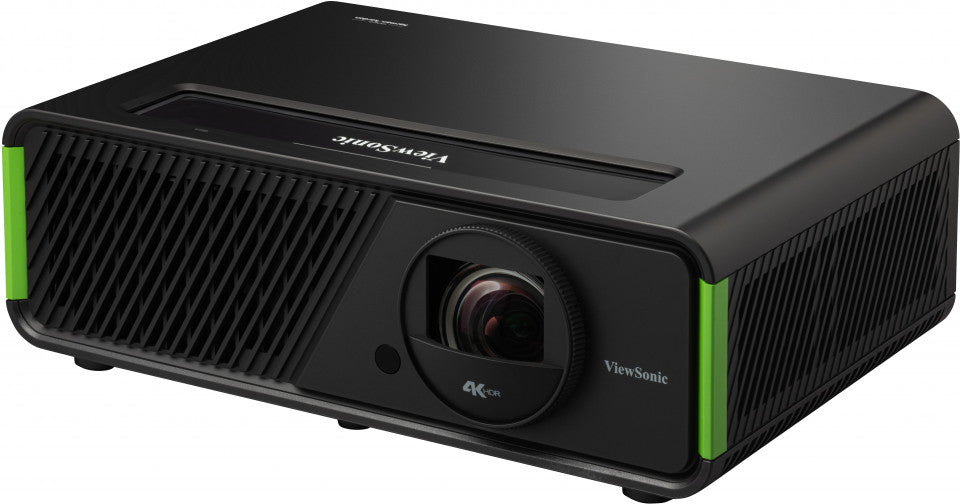


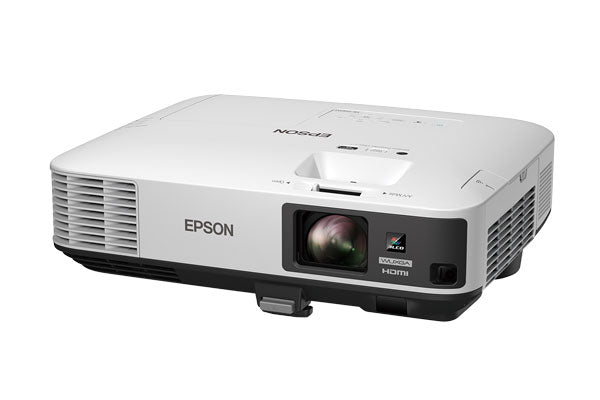


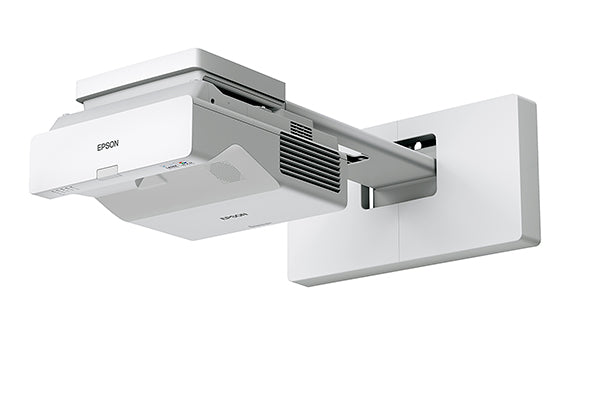


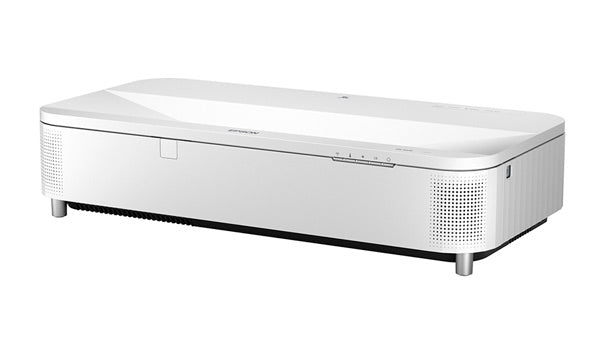

Some manufacturers produce their own wireless sticks and provide a dedicated user interface, including their own home screen that appears when you turn on the projector.
Other models rely on external adapters to enable wireless functionality. Wireless projectors are ideal for sharing presentations, streaming video, or collaborating with multiple users in real time. Although Wi-Fi 7 is the latest Wi-Fi standard available and supports faster transfer speeds, Wi-Fi 6 is still very common in projectors. Wi-Fi 6 provides fast and stable connections with minimal lag, making it suitable for high-resolution business presentations, 4K streaming, and gaming.
Some home projectors from brands such as BenQ, Epson, Optoma, and ViewSonic come with their own branded wireless dongles or smart operating systems. These enable direct screen mirroring and access to apps such as YouTube and Netflix.
For models without integrated wireless capability, external HDMI adapters are available. Each brand offers its own solution:
Adapters like these support higher bandwidths for 4K HDR content with minimal latency.
If you like the flexibility of wireless connectivity and simply want to mirror whatever is displayed on a video source to a display device such as a projector, you can use an HDMI wireless kit. An HDMI wireless kit includes a transmitter and a receiver. The transmitter connects to your PC, laptop, or AV receiver, while the receiver outputs the video signal and connects to your projector.
HDMI wireless kits available on the market include the following models:
These support high-quality video transmission over distances of 20-30 metres.
For the best results, some kits require line of sight, meaning the transmitter and receiver must be positioned in a direct straight line with no obstacles between them. Other, stronger wireless solutions can operate with obstacles in between and can even transmit through walls. Always check your room layout before purchasing.
For business presentations, users can download apps such as Epson iProjection to present wirelessly from a laptop or mobile device.
Alternatively, if you're looking for a plug-and-play screen mirroring solution with minimal setup, devices such as BenQ InstaShow or Optoma QuickCast provide seamless desktop screen sharing.
Teachers can project from tablets or laptops while moving around the classroom. Students can also cast from their devices, such as tablets or laptops, without needing to pass cables around. With hybrid learning on the rise, low-latency wireless options help ensure smooth, real-time collaboration.
For home projectors, certain manufacturers such as BenQ, Epson, and ViewSonic offer their own wireless dongles, including their own branded Google TV solutions with a dedicated home screen. These allow users to install streaming platforms such as Netflix, Disney+, and YouTube and stream content directly through the projector without additional external devices.
Alternatively, third-party solutions such as the Amazon Fire TV Stick 4K can be connected via the projector's HDMI port to provide similar functionality, offering broad compatibility and a familiar user interface.
For Mac users, use AirPlay mirroring directly from the menu bar for seamless integration.
Yes. Screen mirroring via Miracast, AirPlay, or Wi-Fi Direct doesn't require an internet connection.
No. Bluetooth is used for wireless audio only. Video and screen sharing require Wi-Fi or casting protocols.
Yes. Some smart projectors even support Android apps such as Zoom directly. Alternatively, simply join the meeting on your laptop and wirelessly project the screen.
Any projector that supports AirPlay or works with an Apple TV. Epson and BenQ models work well with iOS via apps or casting devices.
New models with Wi-Fi 6 or low-latency modes reduce lag. However, for serious gaming, a wired HDMI connection is still preferred.