Data Projector Guide for Business and Office Use
A data projector is essential for delivering effective presentations in offices, boardrooms, and meeting spaces. Whether you require a compact portable projector for client visits and travel between sites, or a high-brightness permanent installation model for large conference rooms, this guide will help you choose the right solution.
Data projectors provide clear visuals and a professional presentation experience. From small huddle rooms to large auditoriums, the right office projector can enhance communication and audience engagement.
Pico vs Portable vs Installation Projectors:
-
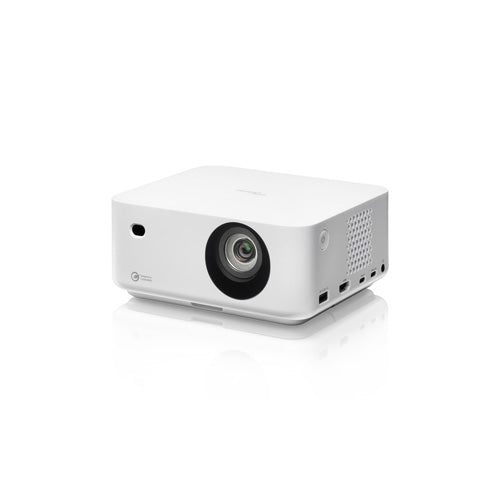
Pico projectors are lightweight and well suited to mobile professionals. Pico models are usually LED projectors, weigh under 500g, and produce up to 1000 lumens for small meetings of approximately 3-5 people. They commonly include a built-in battery, although some models require an external power source.
-
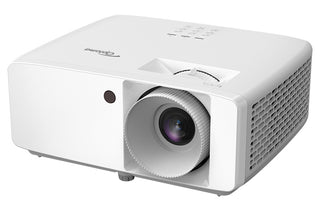
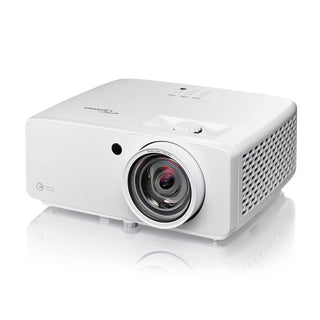
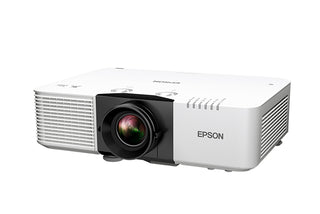
Portable projectors with 3000+ lumens typically weigh around 2.5-3kg and are suitable for small to medium-sized rooms. Lower-cost models are often lamp-based, while laser projectors are becoming increasingly common. A useful feature for portable use is horizontal keystone correction, which allows the projector to be positioned off-centre or to the side of the room. This can be particularly beneficial when travelling between different meeting spaces where projector placement may be limited. A projector with a throw ratio closer to 1 can also be advantageous, as it can produce a larger image from a shorter distance while generally offering greater flexibility in screen selection than a dedicated short throw projector.
-
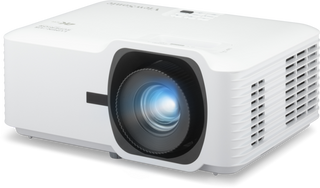
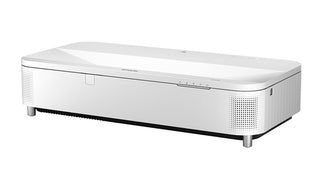
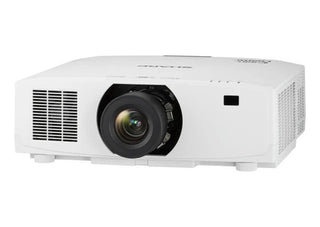
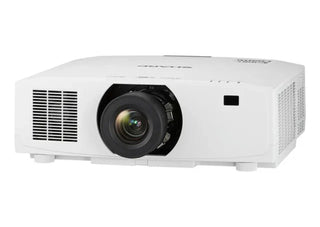
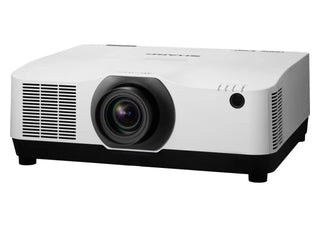
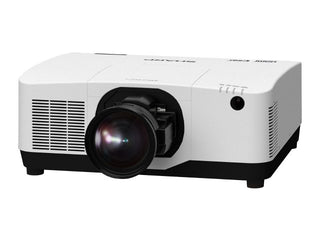
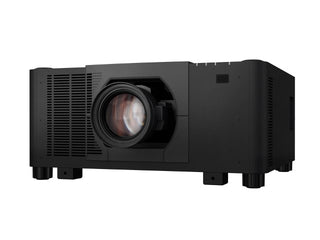
Installation projectors are designed for permanent installation and are ideal for boardrooms, training spaces, classrooms, auditoriums, and other larger venues. They typically provide higher brightness and more advanced connectivity options, such as HDBaseT for transmitting signals over long distances of approximately 50m or 100m. Installation projectors are generally more powerful, with higher brightness levels, optional interchangeable lenses on selected models, and advanced features such as lens shift to provide greater flexibility during installation.
PC-Free Operation: Some projectors include built-in media players, allowing images, PDFs, and videos to be displayed directly from a USB drive. Advanced models may also support Office files through embedded Android systems. However, for maximum compatibility and performance, a laptop remains the most reliable option.
Wireless Projection: Many business projectors support wireless connectivity, allowing content to be projected from laptops, tablets, and smartphones without the need for cables. Some models include built-in Wi-Fi, while others require a separate wireless dongle. Wireless projection can provide greater flexibility and convenience during boardroom and meeting presentations.
Choosing the Right Resolution:
-
SVGA (800×600): A basic resolution suitable for simple content; now being phased out.
-
XGA (1024×768): Suitable for older 4:3 content; also increasingly being phased out.
-
WXGA (1280×800): A common widescreen resolution suitable for general business use.
-
Full HD (1920×1080): Provides clear, sharp visuals for detailed charts and media-rich presentations.
-
WUXGA (1920×1200): Similar to Full HD but with a 16:10 aspect ratio, making it well suited to spreadsheets and technical content.
-
4K UHD (3840×2160): Ideal for highly detailed visuals such as engineering diagrams or photography. While more common in home cinema applications, 4K can also be useful for specialised business requirements.
Note: Projectors scale incoming content to their native resolution. If the source content has a higher resolution than the projector supports, it will be downscaled. If the source content has a lower resolution, the projector cannot increase the original level of detail.
Contrast vs Brightness: Contrast affects the difference between the darkest and brightest areas of an image. However, in most business environments, brightness measured in lumens is often more important, particularly in rooms with ambient light. If the room cannot be sufficiently darkened, higher brightness should generally be prioritised over a high contrast ratio.
Brightness/Lumens Guide:
- 800-1000 lumens: Suitable for small, dark rooms with approximately 3-5 people.
- 1000-2000 lumens: Suitable for ultra-portable LED models used in dimly lit rooms.
- 3000-4000 lumens: Suitable for most standard meeting rooms with approximately 10-20 people.
- 4000-5000 lumens: Suitable for brighter rooms or larger groups of approximately 20-30 people.
- 6000-7000 lumens: Suitable for large boardrooms or training halls with approximately 50-100 people.
- 8000+ lumens: Suitable for permanent installations in auditoriums, large venues, or event spaces.
Choosing the Right Projector:
- Assess the room size and lighting conditions.
- Determine the resolution required for the type of content being displayed.
- Check whether wireless projection or USB media playback is required.
- Consider whether a lamp-based or laser projector is more suitable for the application, and check the warranty period and availability of local support and repair services.