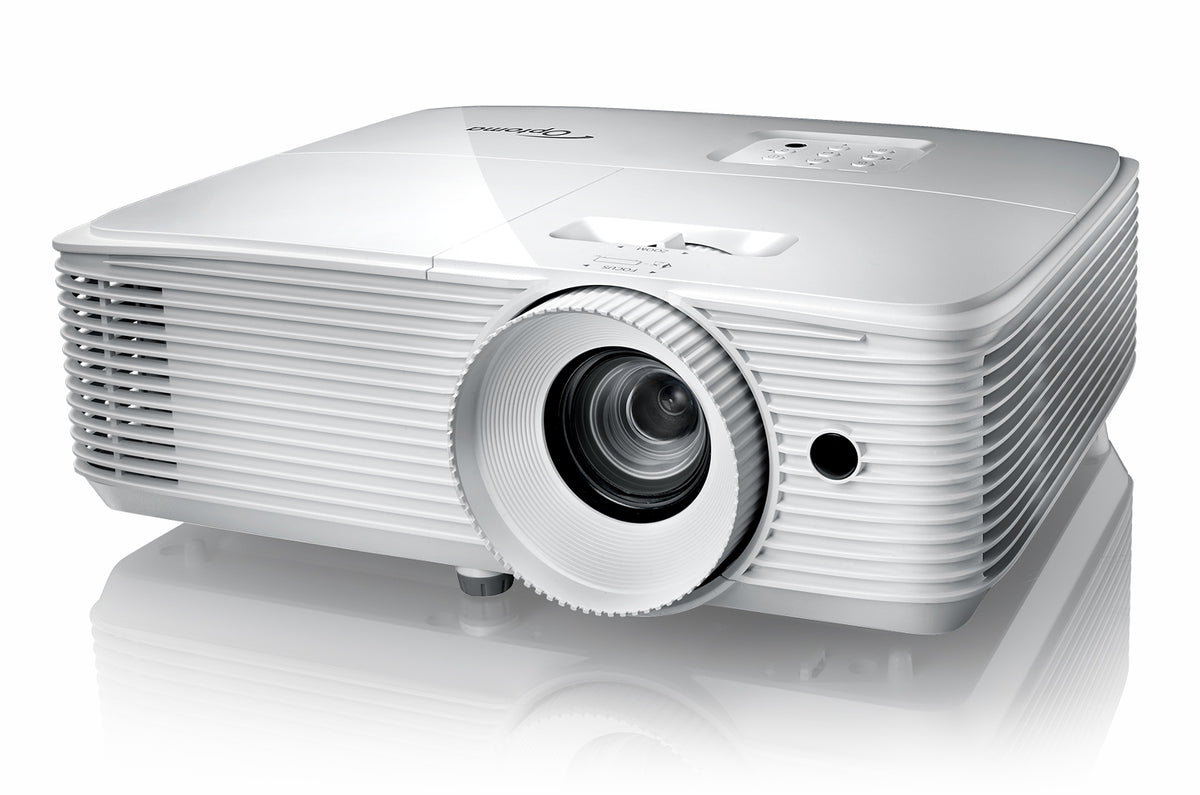
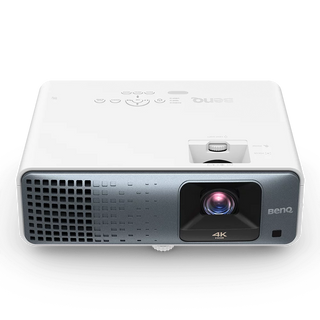
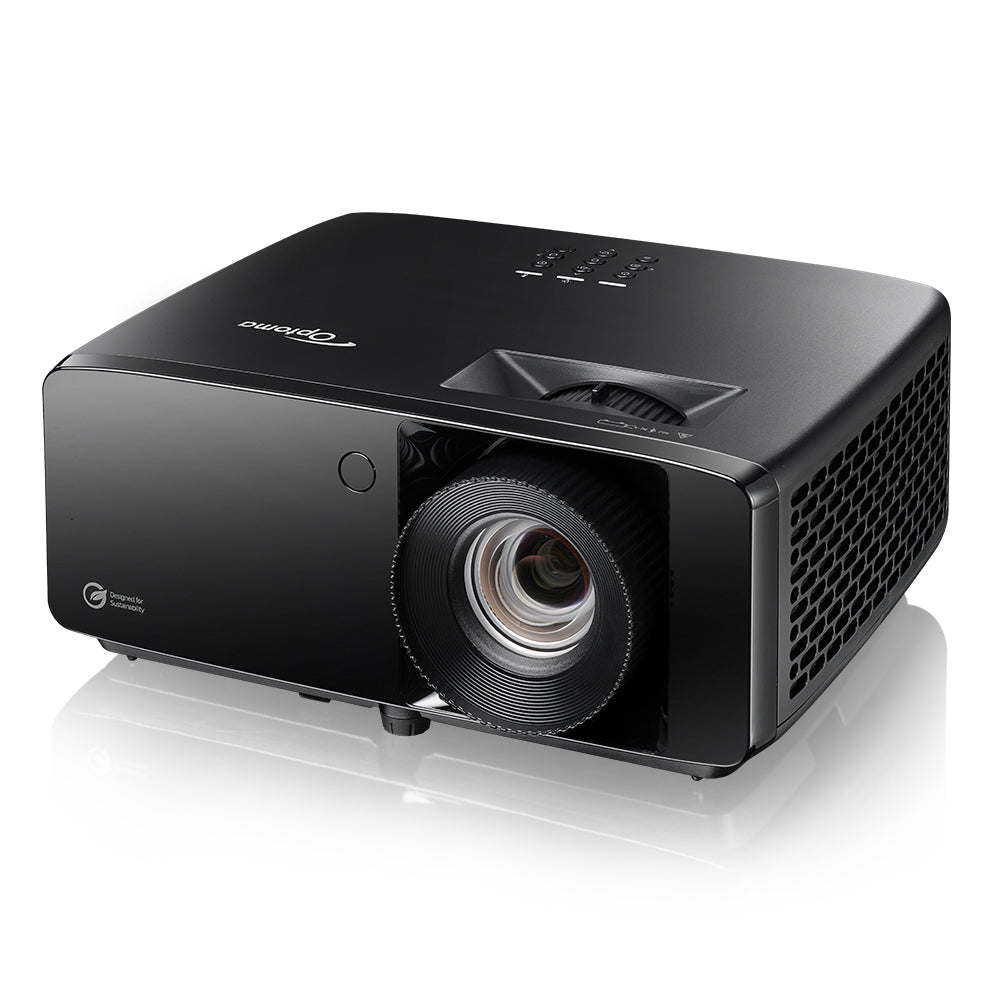
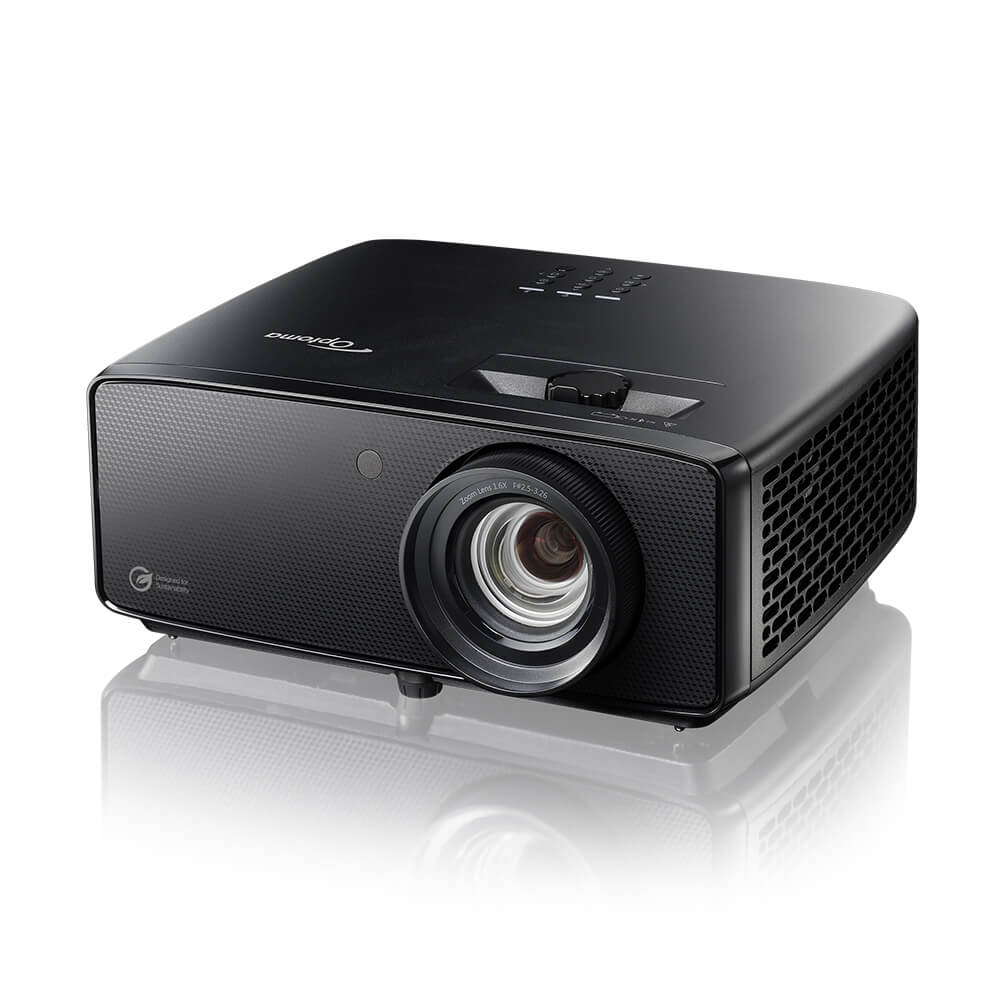
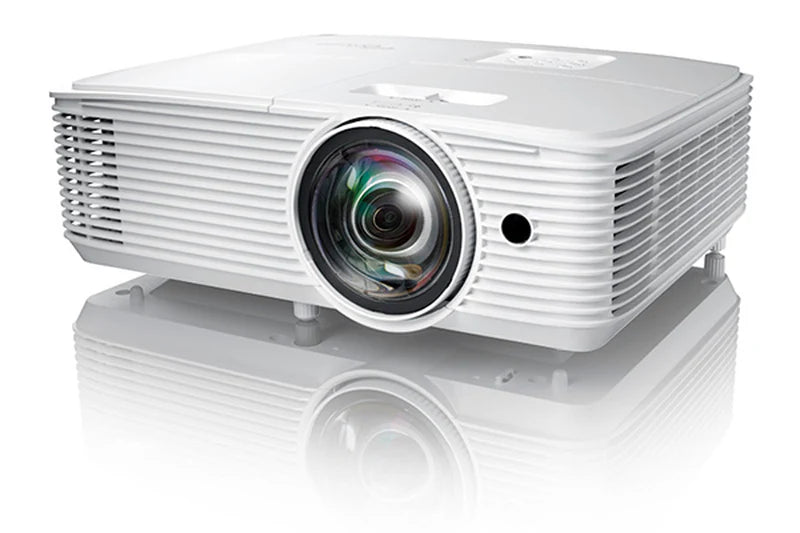
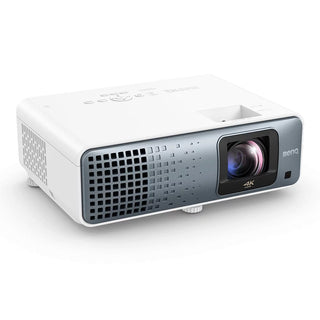
Gaming projectors are designed to handle fast-paced content with low input lag, high refresh rates, and smooth motion.
Whether you are connecting a PS5, Xbox Series X, or gaming PC, the right projector can deliver a large screen experience without sacrificing responsiveness.
Why Choose a Gaming Projector?
- Low Input Lag: Faster response between your controller and what you see on screen
- 4K & HDR Support: Improved detail, contrast, and colour performance
- High Refresh Rates: Smoother motion for fast-paced games
- Large Screen Sizes: Scale up to 100"-300" depending on your space
- Flexible Setup: Options available for small rooms through short throw models
Large Screen Gaming Without the Lag
A gaming projector allows you to play on a much larger image compared to a typical TV or monitor, while still maintaining usable response times for most games.
Modern models support 4K resolution, HDR formats, and higher refresh rates, making them suitable for both casual gaming and more competitive titles.
Short throw models are especially useful if you are limited on space, allowing you to project a large image even when placed close to the screen.
Gaming Projector Terms Explained
When comparing gaming projectors, you will often see technical specifications. Here is a simplified explanation of the key terms.
Colour Gamut Coverage
This describes how many colours the projector can display. A wider colour range generally results in more realistic and vibrant images.
-
Rec. 709: Standard for HD content. Still common, but more limited in colour range.
-
DCI-P3: Used in cinemas. Provides richer and more saturated colours, especially for modern 4K content.
-
BT.2020 / Rec. 2020: The widest current standard. Few projectors fully support it, but higher coverage means more vivid and future-ready image quality.
HDR Format Support
HDR improves contrast between bright and dark areas, helping preserve detail in highlights and shadows.
-
HDR10: The most common HDR format, using a single brightness setting.
-
HDR10+ and Dolby Vision: Adjust brightness dynamically for better scene-by-scene accuracy.
-
HLG: Designed for broadcast content such as live sports.
HDMI Versions
The HDMI version determines how much data can be transmitted from your console or PC to the projector.
-
HDMI 2.0 / 2.0b: Supports 4K at 60Hz with standard HDR.
-
HDMI 2.1: Supports higher bandwidth, including 4K at 120Hz and advanced gaming features.
-
eARC: Allows high-quality audio formats like Dolby Atmos to be sent to a sound system.
Gaming Features
These features are particularly relevant for console and PC gaming.
-
VRR (Variable Refresh Rate): Reduces screen tearing by syncing the projector with your console or PC.
-
ALLM (Auto Low Latency Mode): Automatically switches to low-latency mode when gaming is detected.
-
Input Lag: The delay between pressing a button and seeing the action. Lower is better.
-
Refresh Rate: Higher refresh rates provide smoother motion, especially in fast-paced games.
Compare Gaming Projectors
Gaming projectors vary based on resolution, brightness, light source, throw ratio, and gaming-focused features. Understanding these differences can help you choose the right model for your setup.
Full HD vs 4K: Full HD (1080p) models are suitable for most games and offer good performance at a lower cost. 4K projectors provide sharper detail and are better suited for larger screens or users who want a more detailed image.
Brightness Levels: Lower brightness projectors are best used in dark rooms. Higher brightness models perform better in rooms with ambient light or when projecting onto larger screens.
Throw Distance: Standard throw projectors require more distance from the screen, while short throw models can produce a large image from a shorter distance, making them ideal for smaller spaces.
Light Source: Lamp-based projectors typically have a lower upfront cost but require lamp replacement over time. Laser and LED models offer longer lifespan, more stable brightness, and lower maintenance.
Gaming Performance: Gaming-focused projectors prioritise low input lag, higher refresh rates, and support for features like VRR and ALLM, which improve responsiveness and smoothness.
Colour & Image Quality: Higher-end models usually provide wider colour gamut coverage and better HDR performance, resulting in more accurate and vibrant visuals.
The right choice depends on your room size, viewing distance, lighting conditions, and whether you prioritise image quality, responsiveness, or ease of setup.