
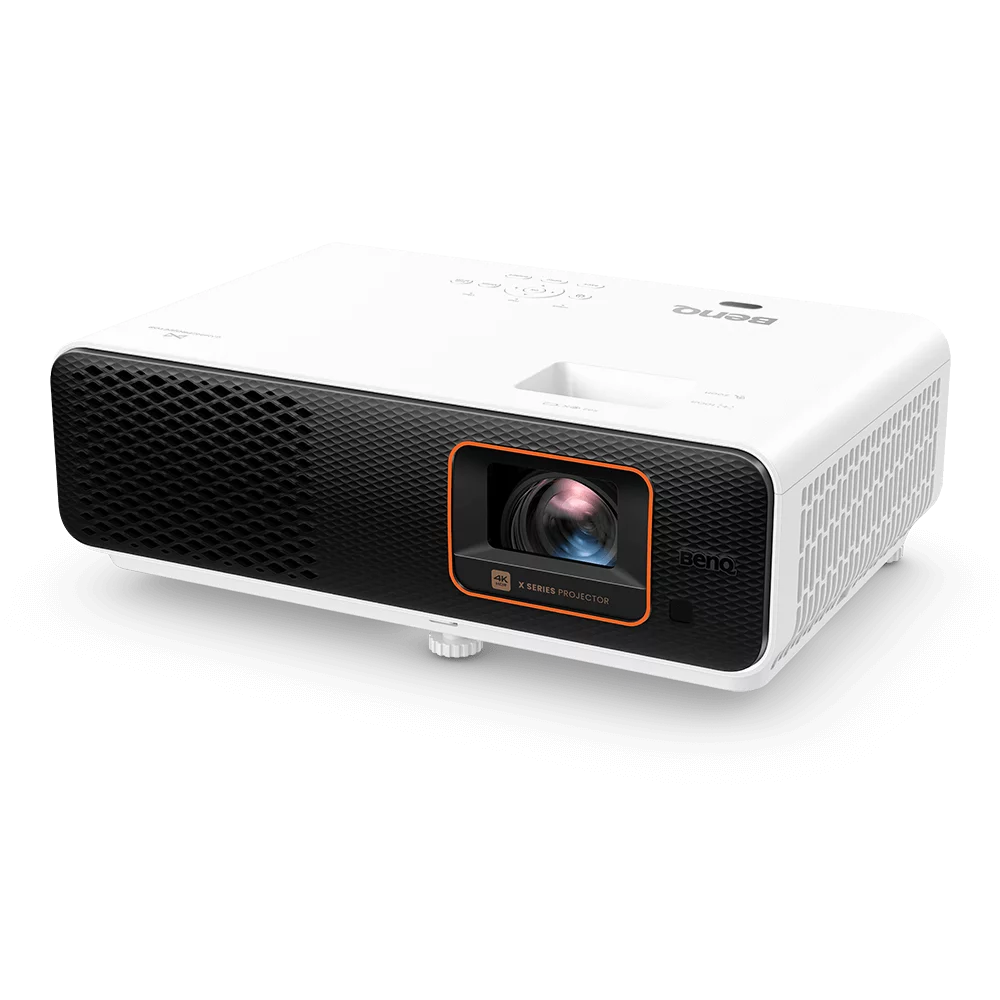
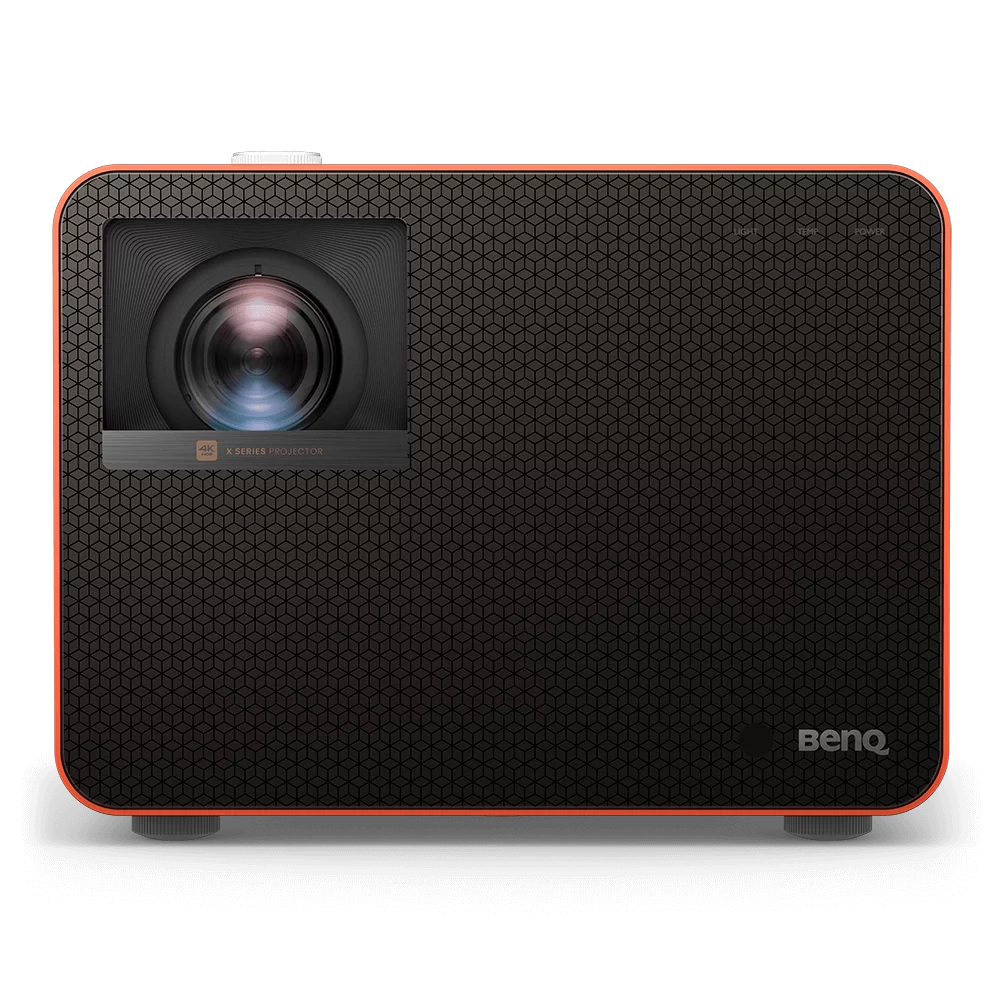
Smart Projector
Smart Projector Buying Guide
A smart projector combines a traditional projector with built-in smart features such as Wi-Fi, an operating system (Google TV, Android TV or Windows) and pre-installed apps. You can stream content, run apps and share your screen directly, without extra devices.
Most smart projectors come with a voice remote and an app store, so you can install Netflix, Disney+, YouTube, Prime Video and more. Many also support wireless screen sharing via AirPlay, Google Cast or Miracast. Some business models even let up to four users share their screens at once, which makes them useful in almost any room.
Google TV vs Android TV vs Other Smart Systems
The operating system decides which apps you can use and how easy the projector is to navigate:
- Google TV - the latest Google platform, with personalised recommendations, voice search, Chromecast built in and official apps like Netflix, YouTube and Disney+
- Android TV - the earlier Google platform, with the Google Play Store, Chromecast and most major streaming apps. Some BenQ models use a plug-in Android TV dongle that sits neatly inside the projector.
- Samsung and other brand systems - built-in apps and screen mirroring, with app choice depending on the brand
- Business systems (Android or Windows based) - focused on wireless presentations, file playback, video meetings and device management rather than streaming
Can You Watch Netflix on a Smart Projector?
Yes, as long as the projector runs an officially licensed system. Projectors with Google TV or Google-licensed Android TV support the official Netflix app, so streaming works as it would on a smart TV.
Many cheap, unbranded projectors run an uncertified version of Android. Netflix may not install, may only play in low resolution or may not work at all. If streaming matters to you, choose a projector with Google TV or licensed Android TV, like the models in this collection.
Smart Projector for Home
At home, a smart projector gives you a flexible, immersive entertainment setup. It can replace a traditional TV, with a much bigger picture, built-in streaming apps and wireless connectivity.
- Streaming: watch Netflix, YouTube, Disney+ and more without external devices
- Portability: easy to move and set up in different rooms or outdoors
- Wireless casting: mirror content from smartphones, tablets or laptops
- All-in-one: no need for extra media players or cables
- Gaming: many models offer low input lag for consoles, and the apps are there when you're done playing
Smart Projector for Business
Smart projectors are widely used in offices, boardrooms, classrooms and training rooms. Wireless presentations, video conferencing and collaboration work without complex setups.
- Wireless presentations: share content from laptops or mobile devices without cables
- Video conferencing: on supported models, run meeting apps like Google Meet or Microsoft Teams directly on the projector
- Collaboration: multi-screen sharing for team discussions and presentations
- USB playback: present files straight from a USB drive without a PC
Can You Make a Normal Projector Smart?
Yes. If a projector doesn't have built-in smart features, you can add them with a streaming device like a Google TV Streamer 4K, Fire TV Stick or Apple TV plugged into an HDMI port. This works well, but a built-in system is tidier: one remote, no extra power cable and no external device to set up or lose.
What to Look for in a Smart Projector
- Brightness - 2,000+ ANSI lumens for a dark room, 3,000+ for rooms with some light
- Resolution - Full HD is fine for casual viewing and portable use, while 4K projectors give the sharpest picture on big screens
- Throw distance - short throw and ultra short throw projectors create a big picture in small rooms
- Auto setup - auto focus and auto keystone straighten the image in seconds
- Casting - check for AirPlay if you use an iPhone, or Google Cast for Android devices
- Sound - built-in speakers suit casual use, while Bluetooth or eARC lets you connect a soundbar
- Portability - portable projectors are compact and easy to take between rooms or outside
Which Smart Projector Should You Choose?
Portable smart projectors
- BenQ GS2 - portable Android projector with AirPlay and Google Cast, IPX2 splash-proof
- Optoma OMA-S - portable laser projector with wireless mirroring and Chromecast support
4K home cinema and gaming
- ViewSonic LX720-4K - 4K laser with built-in Google TV and native Netflix app
- BenQ W2720i - 4K LED with Android TV, AirPlay and Google Cast
- BenQ W4100i - 4K LED home theatre projector with Android TV
Short throw and ultra short throw
- BenQ TK705STi - 4K LED short throw with built-in Google TV
- BenQ TK710STi - 4K laser short throw with Google-licensed Android TV
- Epson EH-LS670B - 4K laser ultra short throw with Google TV
- Epson EH-LS970B - 4K laser ultra short throw with Google TV and Sound by Bose
Smart Projector FAQs
What is a smart projector?
A smart projector has a built-in operating system, Wi-Fi and apps, so you can stream, cast and share content without connecting a laptop or streaming stick.
Is a smart projector worth it?
For most people, yes. A smart projector gives you a big-screen picture with streaming apps built in, so there are fewer cables, remotes and devices to manage.
Why can't you watch Netflix on some projectors?
Netflix only supports certified devices. Many cheap projectors run uncertified Android, so Netflix may not install or may play in low quality. Projectors with Google TV or Google-licensed Android TV support the official Netflix app.
Can I turn a normal projector into a smart projector?
Yes. Plug a streaming device such as a Google TV Streamer 4K, Fire TV Stick or Apple TV into the projector's HDMI port to add streaming apps.
Do smart projectors need Wi-Fi?
Wi-Fi is needed for streaming apps and most wireless casting. Without Wi-Fi, you can still use HDMI inputs and play files from a USB drive on supported models.
Need help choosing the right smart projector? Contact our team for expert advice and fast delivery Australia-wide.